
Never lose your car again.
The fast, private way to remember exactly where you left your car — and to avoid parking fines. One tap saves your spot, and Parked walks you back when it's time.
Simple enough to use in the car park.
No sign-up, no clutter — just the one job, done beautifully.
Park, and forget about it.
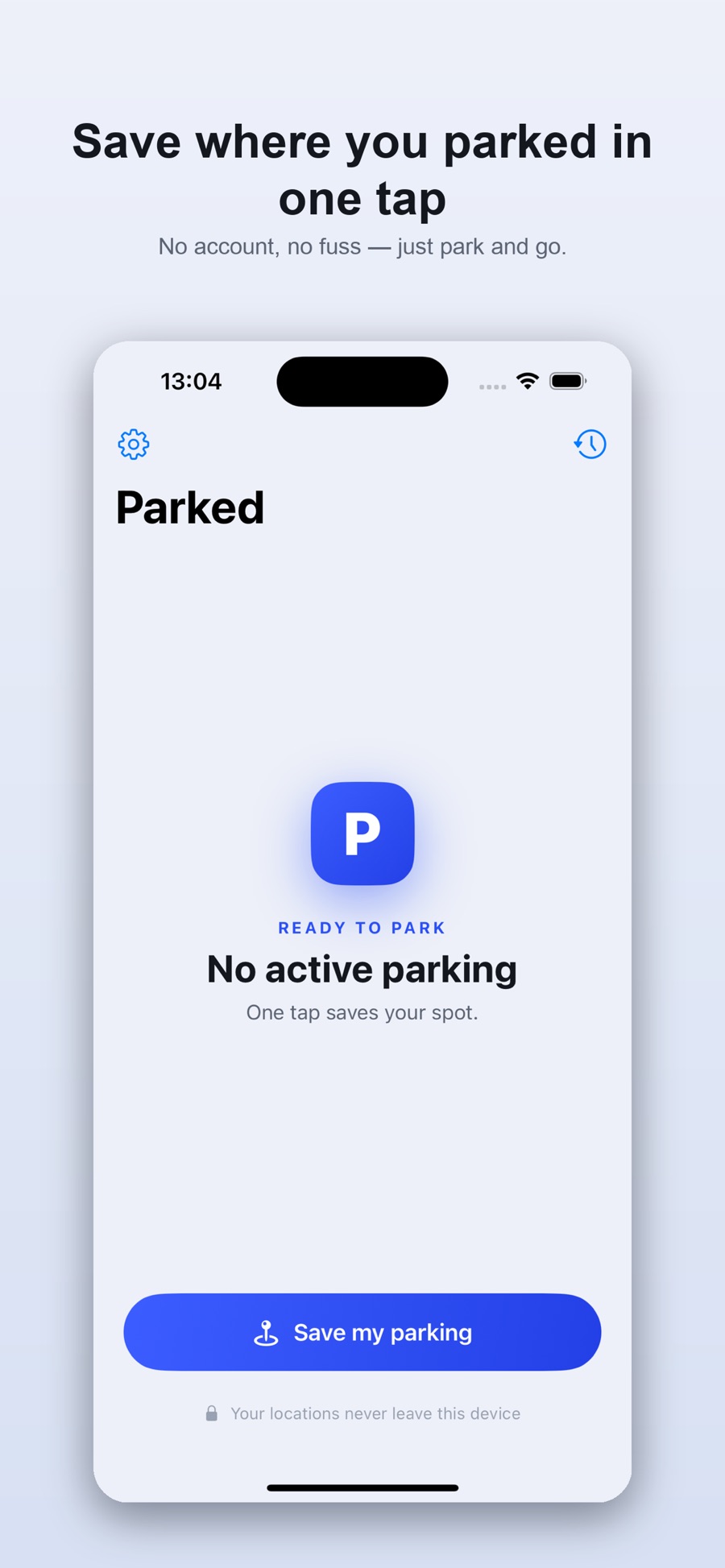
Save in seconds
Tap “Save my parking” and Parked records your exact location and the time. Add a quick note like “Level 3, near lift B”.
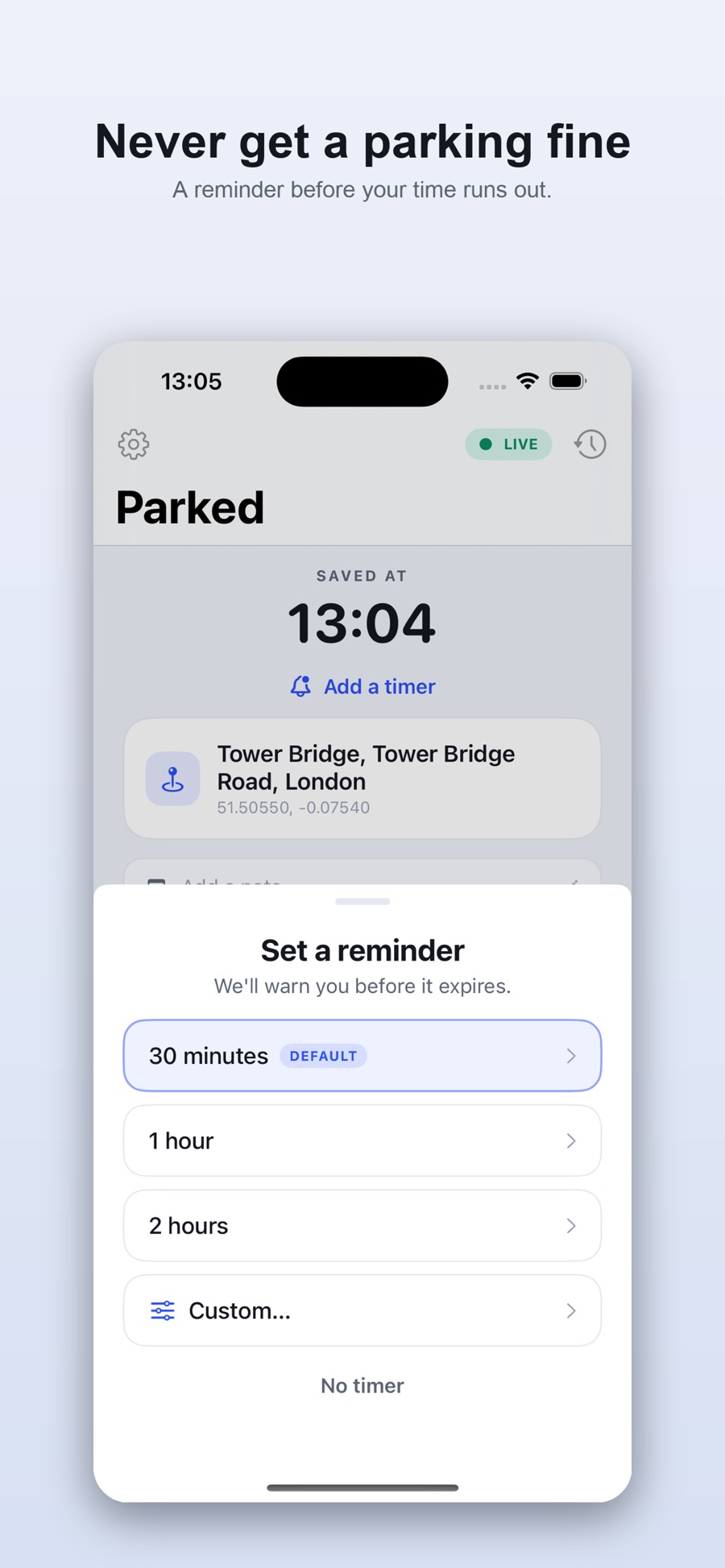
Avoid a fine
Set a timer — 30 minutes, an hour, or a custom length — and get a heads-up before your parking runs out.
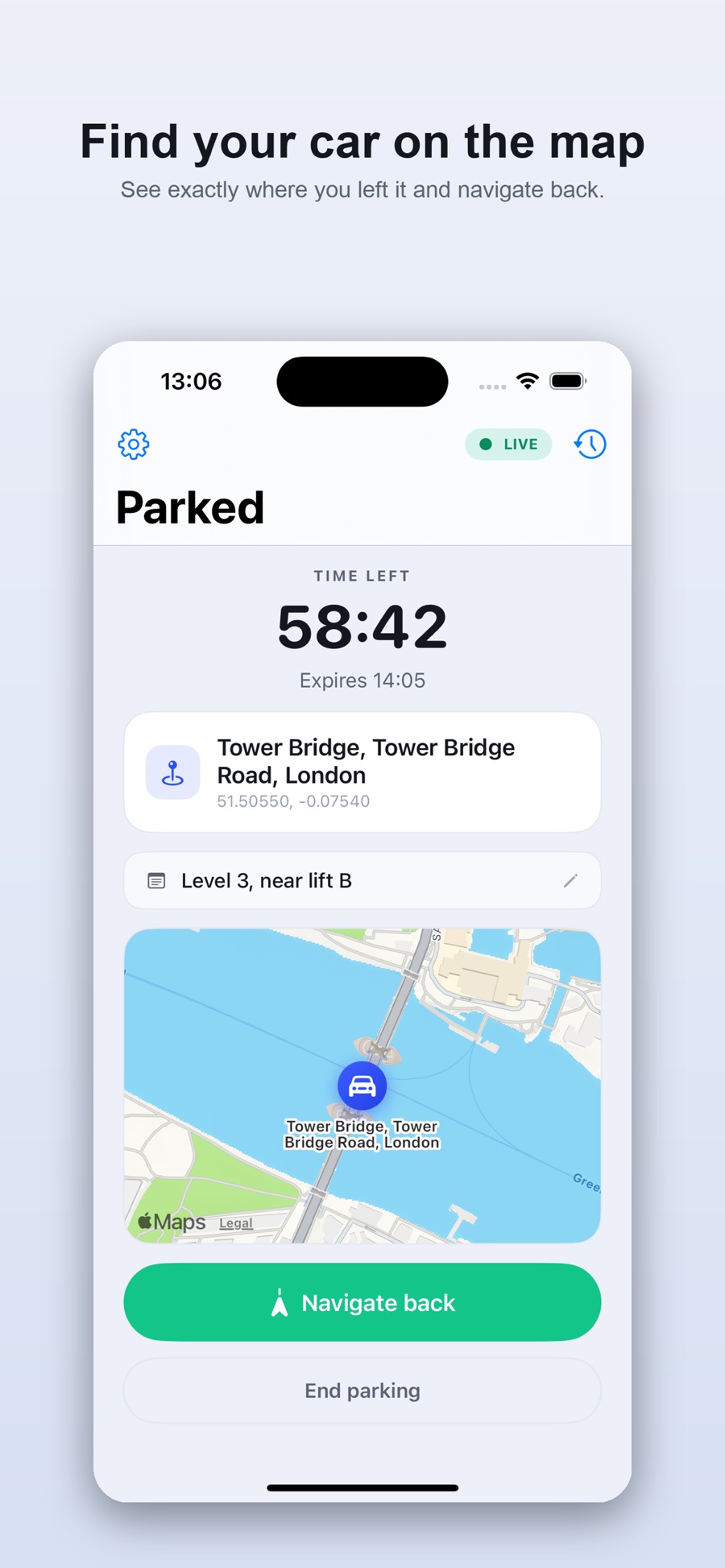
Find your way back
See your car on the map, then tap “Navigate back” for walking directions in Apple Maps.
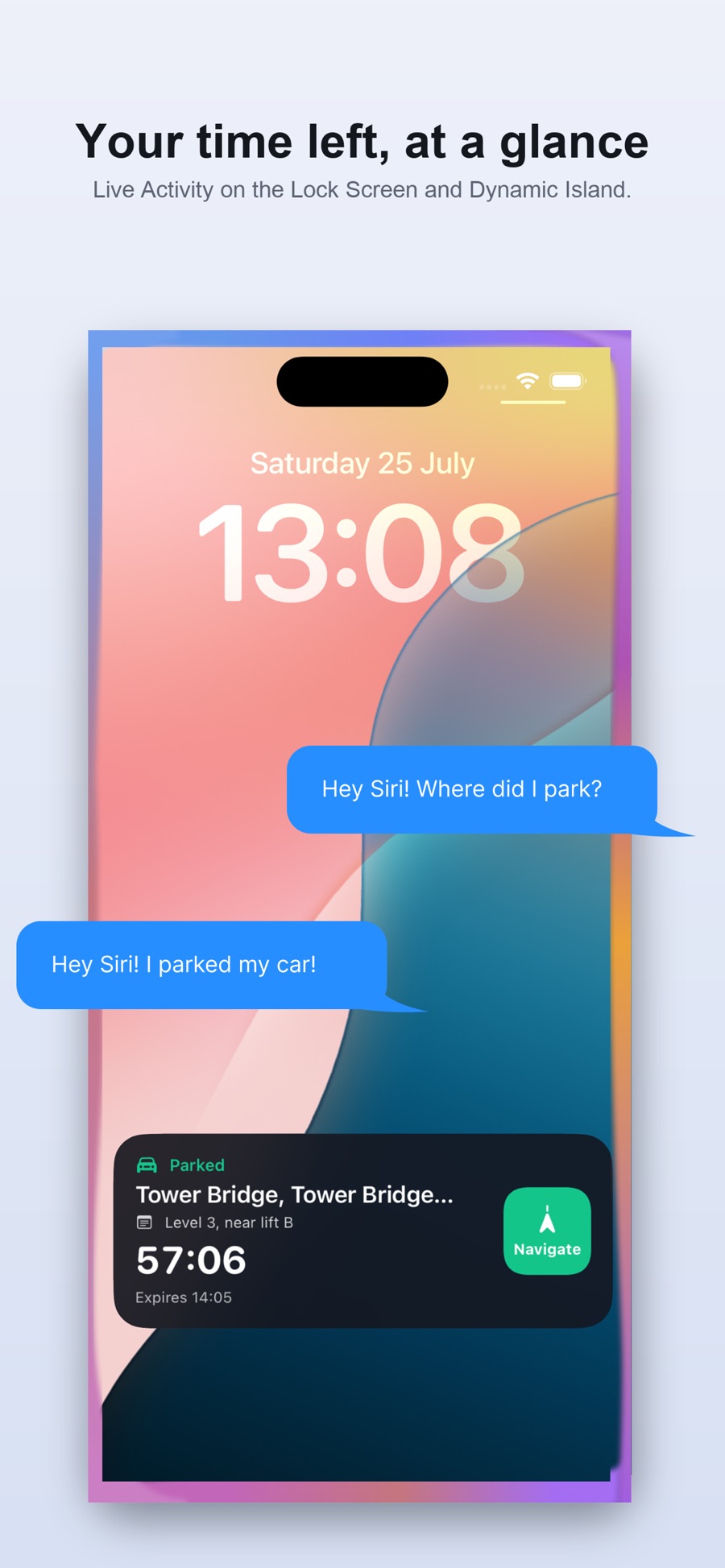
Glanceable everywhere
Widgets and a Live Activity keep the countdown on your Lock Screen and in the Dynamic Island. Or ask Siri, “Where is my car?”
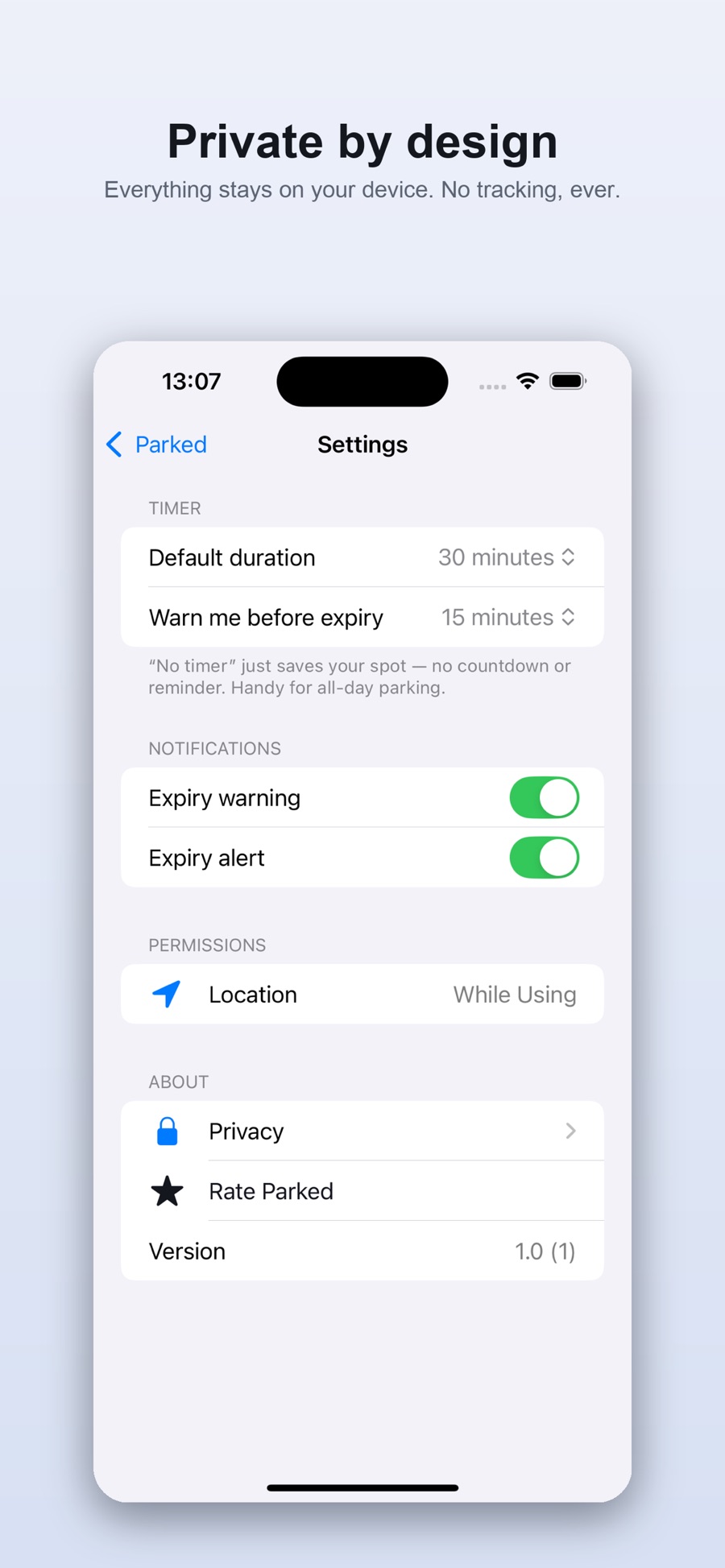
Private by design
Everything stays on your device. No account, no cloud, no tracking — your location is never uploaded, sold, or shared. Parked is a one-time purchase with no subscriptions or in-app purchases.
Frequently asked questions
Is Parked free?
Parked is a one-time purchase — you buy it once and every feature is included. There are no subscriptions and no in-app purchases.
Does Parked track my location?
No. Your parking location is saved only on your device and is never uploaded, sold, or shared. There's no account and no cloud.
How does Parked help me avoid a parking fine?
Set a timer for your parking session and Parked gives you a heads-up before it runs out, plus an alert when it expires. You can also park all day with no timer.
Do I need an account to use Parked?
No. There's no sign-up and no account — just open the app and tap once to save your spot.
Does Parked work with widgets, Siri and the Dynamic Island?
Yes. Home Screen and Lock Screen widgets and a Live Activity show your time remaining, and you can ask Siri "Where is my car?" to find it.
Ready when you park next.
Buy it once, and every feature is yours. Available now on the App Store.
Download on theApp Store